

DRAFT
TM 5-4210-249-13&P-2
0173
MALFUNCTION
TEST OR INSPECTION
CORRECTIVE ACTION
TFFT04702
Step 20.
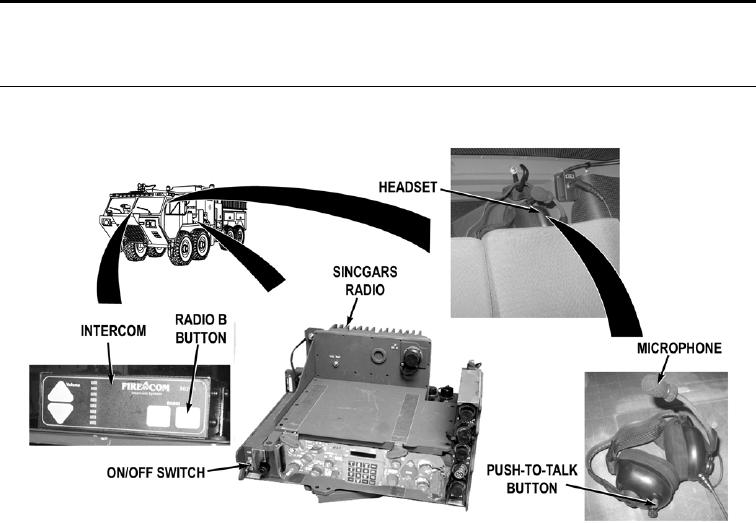
Press intercom RADIO B to select SINCGARS radio (WP 0004). Turn SINCGARS
radio on (TM 9-2320-347-10). While an assistant operates SINCGARS radio, check if
SINCGARS radio communications can be heard through vehicle commander's headset
earphones.
If SINCGARS radio communications cannot be heard through headset
earphones, go to Step 29.
NOTE
Key up times will vary from time headset push-to-talk button is pressed until SINCGARS
radio is ready to transmit depending on intercom HK-B setting.
Step 21.
While an assistant monitors SINCGARS radio, press headset push-to-talk button.
Check if intercom keys up SINCGARS radio.
If intercom does not key up SINCGARS radio, go to Step 26.
Step 22.
While an assistant monitors SINCGARS radio, press headset push-to-talk button and
talk into microphone. Check if headset communication can be heard at SINCGARS
radio.
If headset communications can be heard at SINCGARS radio, system is
operating properly. Notify Supervisor.
0173-13