

DRAFT
TM 5-4210-249-13&P-2
0173
MALFUNCTION
TEST OR INSPECTION
CORRECTIVE ACTION
TFFT04764
Step 28.
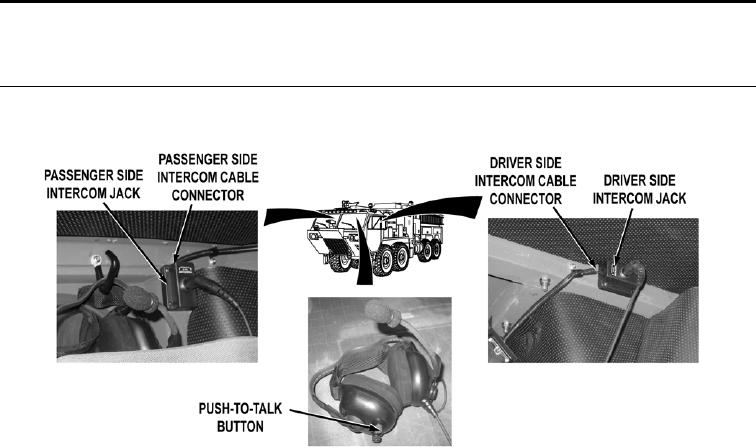
Connect SINCGARS radio interface wire harness connectors on electronic mounting
base and intercom (WP 0462). Install power adapter and SINCGARS receiver
transmitter on electronic mounting base (TM 11-5820-890-10). Swap driver side
intercom cable connector and passenger intercom cable connector on passenger side
intercom jack and driver side intercom jack. Turn battery disconnect switch to ON
position (WP 0007). While an assistant monitors SINCGARS radio, press headset
push-to-talk button. Check if intercom keys up to transmit SINCGARS radio.
a.
If intercom keys up SINCGARS radio, replace intercom cables and
connectors (WP 0395).
b.
If intercom does not key up SINCGARS radio, fault is in SINCGARS
electronic mounting base, power adapter, or receiver transmitter.
Notify Supervisor.
0173-19